¿Odias los anuncios? Ir Sin publicidad Hoy
Cómo recortar imágenes en línea en segundos (sin necesidad de software)
Actualizado en
Recorta imágenes con precisión pixelada directamente en tu navegador. Arrastra para seleccionar, introduce coordenadas exactas, bloquea relaciones de aspecto — gratis e instantáneo.
ANUNCIO PUBLICITARIO · ¿ELIMINAR?
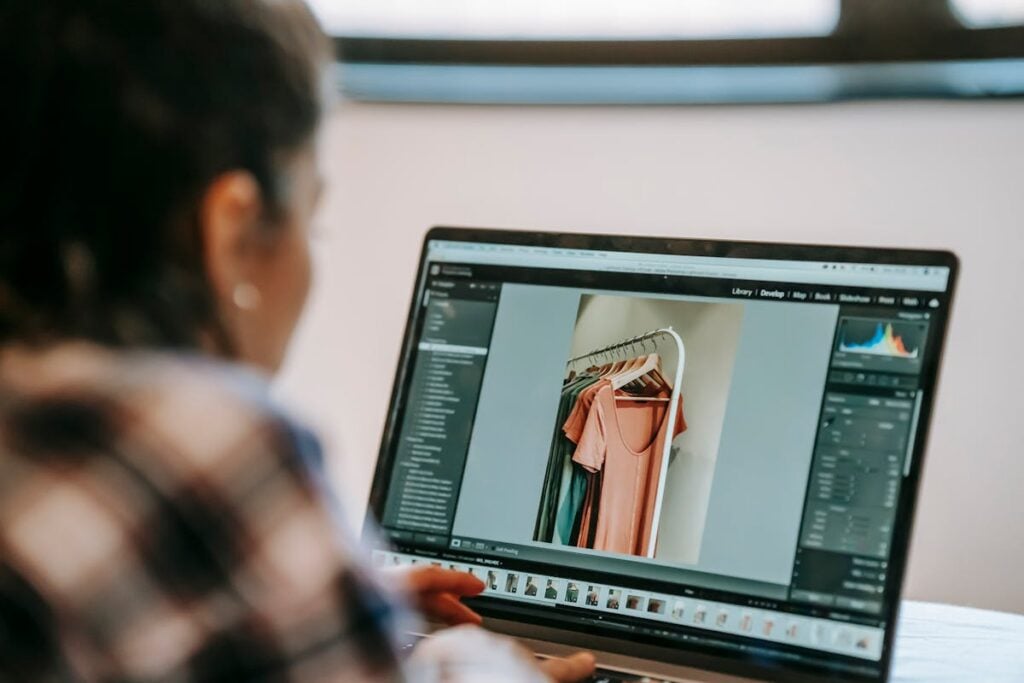
Sabes esa sensación cuando tomas una foto casi perfecta, pero hay un codo de un extraño aleatorio en la esquina? ¿O cuando tu foto de perfil sería joya de chef si no fuera por esa pila de ropa en el fondo? Sí, a todos nos ha pasado. 📸
Presentamos Recortar imagen herramienta — tus tijeras basadas en navegador para recortar imágenes a exactamente lo que importa. Sin descargas, sin registros, sin suscripción a Photoshop que cuesta más que tu Netflix.
Por qué el recorte importa más de lo que piensas
Recortar no se trata solo de eliminar partes no deseadas (aunque eso es una gran parte de ello). Se trata de composición. Los fotógrafos profesionales pasan años aprendiendo la regla de los tercios, y aquí estás, a un arrastrar y soltar de clavarla. Algunas razones por las que podrías necesitar recortar:
- Tamaño para redes sociales — los cuadrados de Instagram, los banners de Twitter, los encabezados de LinkedIn quieren dimensiones diferentes
- Eliminar distracciones — adiós, gaviota que se photobombea
- Enfocarse en tu sujeto — haz zoom en lo que realmente importa
- Ajustar relaciones de aspecto — para presentaciones, sitios web o impresión
Cómo funciona la herramienta de recorte de imágenes
Es muy simple (las mejores herramientas siempre lo son):
- Sube tu imagen — arrastrar y soltar o hacer clic para explorar
- Selecciona tu área de recorte — arrastra visualmente sobre la imagen o introduce coordenadas exactas de píxeles (X, Y, Ancho, Alto) si te sientes preciso
- Bloquear la relación de aspecto — ¿necesitas un cuadrado perfecto? ¿Un formato panorámico 16:9? Activa el bloqueo y arrastra libremente
- Haz clic en Recortar — descarga tu imagen recién recortada como PNG
Eso es todo. Ningún asistente de 47 pasos. Ningún "por favor, crea una cuenta primero". Simplemente recorta y listo. 🔥
Cuando las coordenadas exactas te salvan la vida
El recorte visual de arrastrar es excelente para el uso ocasional, pero a veces necesitas precisión de píxel perfecto. Tal vez estés:
- Preparando imágenes para un sistema de diseño donde cada elemento debe tener exactamente 400 × 300
- Recortando varias imágenes a la misma área para una comparación de antes y después
- Extrayendo un elemento específico de la interfaz de usuario de una captura de pantalla para documentación
Ahí es donde brilla la entrada de coordenadas. Escribe tus valores exactos de X, Y, Ancho y Alto y obtén un recorte matemáticamente perfecto cada vez. Tu perfeccionista interior te lo agradecerá.
Combínalo con otras herramientas
El recorte suele ser solo un paso en tu flujo de trabajo de imágenes. Aquí tienes algunas herramientas que combinan bien con la herramienta de recorte de imágenes:
- Convertidor de imágenes — ¿necesitas tu imagen recortada en JPEG, WebP u otro formato? Conviértela al instante
- Comparar imágenes — coloca tus versiones original y recortada una al lado de la otra
- Codificar archivo en Base64 — incrusta tu imagen recortada directamente en HTML o CSS
- Convertidor de imagen a texto — recorta solo el área de texto y luego extráela con OCR
- Generador de códigos QR — genera un código QR, luego recórtalo al tamaño perfecto para imprimir
Ve a recortar algo
Deja de darle demasiadas vueltas. Esa imagen que está en tu carpeta de descargas con el encuadre extraño? Ve a arreglarla. La herramienta de recorte de imágenes es gratuita, se ejecuta completamente en tu navegador y tarda unos 5 segundos. 🎉
Tus fotos merecen bordes mejores.
¿Quieres eliminar publicidad?
Adiós publicidad hoy
Instalar extensiones
Agregue herramientas IO a su navegador favorito para obtener acceso instantáneo y búsquedas más rápidas




恵 ¡El marcador ha llegado!
Marcador es una forma divertida de llevar un registro de tus juegos, todos los datos se almacenan en tu navegador. ¡Próximamente habrá más funciones!
ANUNCIO PUBLICITARIO · ¿ELIMINAR?
Herramientas clave
Ver todoANUNCIO PUBLICITARIO · ¿ELIMINAR?
Los recién llegados
Ver todoActualizar: Nuestro última herramienta se agregó el 31 de mar. de 2026
Involucrarse
Ayúdanos a seguir brindando valiosas herramientas gratuitas

ANUNCIO PUBLICITARIO · ¿ELIMINAR?