
Novo
As zonas horárias parecem com deslocamentos simples UTC. Elas não são. Este guia explica por que as zonas horárias quebram o código — falhas de horário de verão, deslocamentos de meia-hora, datetimes ingênuos — e como tratá-las corretamente no JavaScript, Python, PHP e SQL.
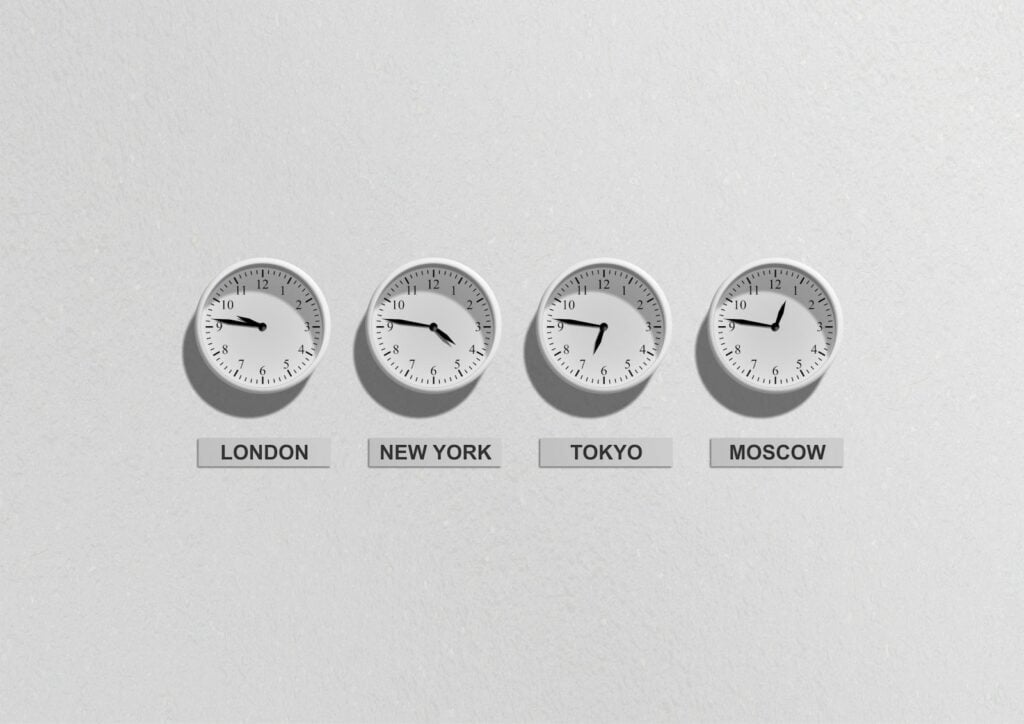
Você perguntou ao seu servidor que horas são. Ele disse 14:00. Você armazenou isso. Você consultou de volta. Agora diz 16:00. Você não fez nenhuma alteração. Bem-vindo aos fuso horário.
Fusos horários são um dos problemas mais enganosamente complexos na software. Na superfície, parecem uma simples diferença de UTC — basta somar ou subtrair algumas horas. Por trás, são uma mistura caótica de decisões políticas, acidentes históricos, deslocamentos de meia-hora e regras de verão que mudam com pouca antecedência. Este artigo desmonta por que fusos horários são tão dolorosos e, mais importante, como lidar com eles corretamente no código.
A orientação mais comum que você ouvirá é: armazene tudo em UTC. Essa orientação está correta — mas é incompleta. Armazenar em UTC resolve uma problema (armazenamento consistente) enquanto deixa um problema maior sem solução: exibição e entrada.
Um usuário em Tóquio agendou uma reunião às 9h do seu horário local. Você armazena isso em UTC. Mais tarde, um usuário em Nova York abre o mesmo evento. Você exibe em seu horário local. Mas qual horário local se aplica quando o usuário viaja? Quando ele atualiza o relógio do sistema? Quando o horário de verão começa? "Armazene UTC, exiba local" é uma política sólida — é a execução que quebra a maioria das equipes.
Antes de chegarmos às soluções, ajuda nomear o que você está realmente enfrentando.
UTC+5:30 Não é "horário da Índia". É um deslocamento estático. O Horário Estadual da Índia é Asia/Kolkata — um fuso horário com nome que usa +5:30 e que nunca observou horário de verão. Essas são coisas diferentes. Se você codifica um deslocamento, está armazenando um número. Se você armazena um nome de fuso, está armazenando intenção.
Fusos horários nomeados vivem na Base de Dados de Fusos Horários IANA (também chamada tzdata ou base Olson). Cada linguagem e sistema operacional embarca uma cópia dela. Use-a. Sempre prefira America/New_York a UTC-5.
As transições de horário de verão criam duas situações realmente perigosas:
E as regras de horário de verão mudam. Países e estados dos EUA mudaram, aboliram ou modificaram suas regras nos últimos anos. O comportamento do seu código depende de ter uma versão atualizada do pacote tzdata — isso é uma preocupação de operações, não apenas de desenvolvimento.
A Índia é UTC+5:30. Nepal é UTC+5:45. Partes da Austrália são UTC+9:30. Irã é UTC+3:30 no inverno e UTC+4:30 no verão. Se seu sistema assume que os fusos horários sempre estão nas horas inteiras, ele corromperá silenciosamente os timestamps de milhões de usuários.
Servidores têm relógios de sistema. Esses relógios têm um fuso horário configurado — muitas vezes UTC, às vezes o padrão definido pelo provedor de hospedagem, às vezes o que um administrador de sistema definir há anos. Código que chama new Date() ou datetime.now() sem especificar um fuso horário está implicitamente dependendo dessa configuração do servidor. Ambientes diferentes darão resultados diferentes. Isso é um erro esperando para acontecer em cada implantação.
O objeto nativo Date no JavaScript é uma camada fina ao redor de um timestamp em milissegundos UTC. Parece amigável; não é. Evite formatar manualmente — use a Intl.DateTimeFormat API para exibição, ou procure uma biblioteca.
O padrão moderno é o Temporal — uma proposta do TC39 que chegou ao Chrome 121 e está chegando a todos os ambientes principais. Ele tem suporte nativo para fusos horários e é a resposta correta a longo prazo:
// Store an instant (UTC-equivalent)
const meeting = Temporal.Instant.from("2025-06-15T14:00:00Z");

// Display in a specific zone
const nyTime = meeting.toZonedDateTimeISO("America/New_York");
console.log(nyTime.toString()); // 2025-06-15T10:00:00-04:00[America/New_York]

// Convert to Tokyo time
const tokyoTime = meeting.toZonedDateTimeISO("Asia/Tokyo");
console.log(tokyoTime.toString()); // 2025-06-16T23:00:00+09:00[Asia/Tokyo]
Se você ainda não pode usar Temporal, date-fns-tz em paralelo com date-fns é uma escolha confiável. Luxon é outra opção sólida. Moment.js é completo em funcionalidades, mas já não é mantido — migre-se dele.
Python’s datetime O módulo distingue entre "datetimes ingênuos" (sem informação de fuso horário) e "datetimes conscientes" (com tzinfo). Datetimes ingênuos são uma armadilha — eles parecem válidos, mas não carregam significado entre sistemas.
Sempre use datetimes conscientes. Use o zoneinfo módulo (Python 3.9+) para suporte a fusos horários da IANA:
from datetime import datetime
from zoneinfo import ZoneInfo

# Aware datetime — always do this
utc_time = datetime(2025, 6, 15, 14, 0, 0, tzinfo=ZoneInfo("UTC"))

# Convert to New York time
ny_time = utc_time.astimezone(ZoneInfo("America/New_York"))
print(ny_time)  # 2025-06-15 10:00:00-04:00

# Never do this — naive datetime, meaningless
bad = datetime(2025, 6, 15, 14, 0, 0)  # what zone is this?
Para versões anteriores ao Python 3.8, use a pytz biblioteca — mas tenha cuidado com pytz‘s API localize/normalize, que tem armadilhas que zoneinfo evita.
PHP’s DateTime e DateTimeImmutable As classes suportam fusos horários da IANA nativamente via DateTimeZone. Prefira DateTimeImmutable — é mais seguro porque as mutações retornam objetos novos em vez de modificar in loco.
$utc = new DateTimeImmutable('2025-06-15T14:00:00', new DateTimeZone('UTC'));

// Convert to Sydney time
$sydney = $utc->setTimezone(new DateTimeZone('Australia/Sydney'));
echo $sydney->format('Y-m-d H:i:s T'); // 2025-06-16 00:00:00 AEST

// Store timestamps as ISO 8601 strings or Unix timestamps
echo $utc->getTimestamp(); // 1749996000O tratamento de fusos horários em bancos de dados é um campo próprio.
TIMESTAMPTZ (timestamp with time zone) — armazena tudo em UTC e converte na saída. Nunca use TIMESTAMP (sem fuso horário) para dados de usuários; armazena o que você lhe der sem conversão.DATETIME tipo é ingênuo (sem fuso horário). Use TIMESTAMP se você quiser armazenar em UTC, mas note que sua faixa é limitada a 2038. Para esquemas novos, armazenar como VARCHAR no formato ISO 8601 ou como um timestamp Unix em BIGINT é muitas vezes mais seguro.2025-06-15T14:00:00Z) ou como um inteiro Unix. Trate a conversão no código da aplicação.Qualquer banco de dados que você use, defina explicitamente o fuso horário da sessão do servidor, em vez de depender de padrões padrão.
Após analisar a teoria, aqui estão as regras concretas que evitam a maioria dos erros de fusos horários:
America/Chicago junto com um timestamp UTC quando precisar reconstruir o horário local original. O deslocamento sozinho não é recuperável após uma transição de horário de verão.datetime.now(), new Date(), time() — sempre passe um argumento explícito de fuso horário ou adicione imediatamente um.Timestamps Unix — segundos desde 1970-01-01T00:00:00Z — são, por definição, independentes de fusos horários. São um formato válido de armazenamento e são especialmente úteis em logs, APIs e caches onde você quer um número único e incondicional.
A questão: timestamps Unix não carregam a intenção original do usuário. Se alguém agendar um voo para "manhã de Londres", e você armazenar apenas um timestamp Unix, você perdeu o fato de que eles queriam Londres. Quando o voo for reagendado três meses depois e Londres entrar ou sair do horário de verão, você pode exibir o horário errado. Armazene o fuso horário junto ao timestamp sempre que a intenção do usuário for importante.. Se alguém reservar um voo para "manhã de sexta-feira em horário de Londres" e você armazenar apenas um timestamp do Unix, você perdeu a informação de que eles queriam Londres. Quando o voo for rereservado três meses depois e Londres entrar ou sair do horário de verão, você poderá exibir o horário local incorreto. Armazene a zona junto com o timestamp sempre que a intenção do usuário for relevante.
Eventos recorrentes — reuniões semanais, ciclos de faturamento mensais, lembretes diárias — revelam todos os casos de borda de fusos horários de uma vez.
Considere uma regra "todos os segundas às 9h" para um usuário em Los Angeles. Você armazena 9h no Pacífico? O que acontece quando eles viajam para Tóquio? O que acontece quando os relógios avançam e aquele segundo-feira cai na data de transição?
O modelo correto é:
Bibliotecas como rrule.js (JS) e dateutil.rrule (Python) lidam com isso corretamente quando recebem o contexto apropriado de fuso horário. Criar essa lógica manual é um caminho confiável para erros sutis que surgem meses depois.
Adicione ferramentas de IO ao seu navegador favorito para acesso instantâneo e pesquisa mais rápida
Placar é uma forma divertida de acompanhar seus jogos, todos os dados são armazenados em seu navegador. Mais recursos serão lançados em breve!
Atualizar: Nosso ferramenta mais recente was added on Jun 26, 2026
Ajude-nos a continuar fornecendo ferramentas gratuitas valiosas