

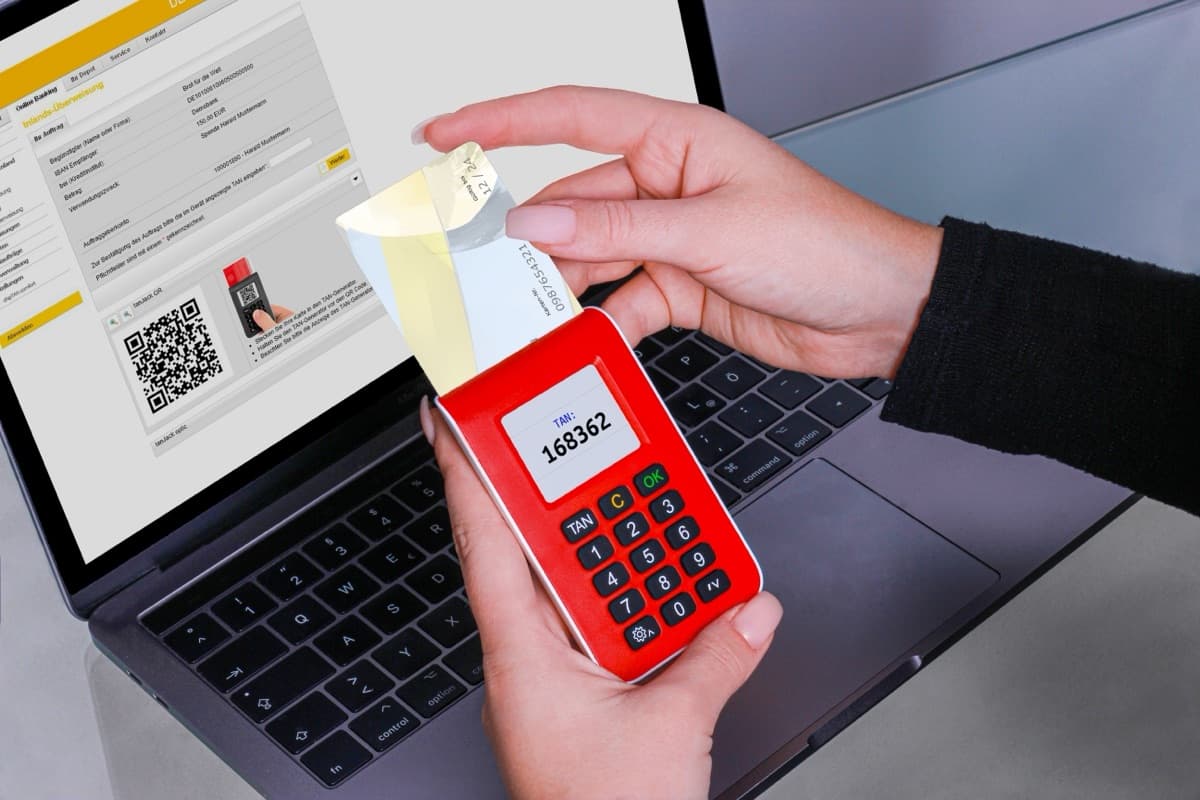
SMS is the only common second factor an attacker can take from you without ever touching your device. An authenticator app or a hardware key requires possession of something in your pocket. A phone number requires possession of a bored customer-service rep at your carrier — and that has a price. The FBI's IC3 logged 1,611 SIM-swap complaints and more than $68 million in losses in 2021 alone, and NIST SP 800-63B now classifies out-of-band authentication over the phone network as restricted, telling verifiers to watch for "device swap, SIM change, number porting" before trusting it.
Moving to a TOTP authenticator app fixes that problem completely. It does not fix phishing at all. The gap between those two sentences is where most of the confusion about 2FA lives, so it's worth understanding what the six digits actually are.
The six digits are a truncated HMAC
HOTP (RFC 4226) is the base algorithm, and it's smaller than you'd expect: HOTP(K,C) = Truncate(HMAC-SHA-1(K,C)), where K is a shared secret both sides hold and C is an 8-byte counter. TOTP (RFC 6238) is the exact same function with the counter derived from a clock instead of a click:
T = floor((current Unix time - T0) / X)     # T0 = 0, X = 30 seconds
TOTP = HOTP(K, T)
That's the entire time-based part. One floor division. Everything else is HOTP.
The truncation step is the piece worth seeing, because "take six digits of the hash" is not what happens. RFC 4226 §5.3 specifies dynamic truncation: the low nibble of the digest's last byte picks where to slice. Here is the first test vector from RFC 6238 Appendix B, with the shared secret being the ASCII string 12345678901234567890 at Unix time 59:
| Step | Value |
|---|---|
Counter C = floor(59 / 30) | 1, as 8 bytes: 0000000000000001 |
HMAC-SHA-1(K, C) | 75a48a19d4cbe100644e8ac1397eea747a2d33ab |
Low nibble of last byte 0xab | offset = 11 |
| Four bytes at offset 11 | c1397eea |
High bit cleared, & 0x7fffffff | 0x41397eea = 1094287082 |
mod 10^8 (and mod 10^6) | 94287082 (and 287082) |
94287082 is verbatim the first row of the RFC's own vector table. The takeaway: a code is a pure function of exactly two inputs — the secret and which 30-second window you're in. Your authenticator app makes no network call to show you a number; it's doing this arithmetic offline, which is also why it keeps working on a plane. If you want to poke at the mechanics with the RFC's published vectors, our OTP code generator takes an explicit timestamp instead of reading a clock, so it reproduces every Appendix B row exactly — a testing and debugging aid for building a 2FA flow, not something to run your own accounts through.
Two details that bite implementers. RFC 4226 §4 is blunt about key material: "The length of the shared secret MUST be at least 128 bits. This document RECOMMENDs a shared secret length of 160 bits" — so a short, human-chosen secret is out of spec. And verifiers need a small acceptance window for clock drift, but RFC 6238 §5.2 caps it: "We RECOMMEND that at most one time step is allowed as the network delay." A ±5-window server is not being generous, it's multiplying the guess space it accepts.
Where TOTP stops working
TOTP proves that someone knows the shared secret. It proves nothing about who they are talking to. That gap is the whole phishing problem, and no amount of rotating the code closes it.
NIST is unambiguous here. SP 800-63B: "Authenticators that involve the manual entry of an authenticator output (e.g., out-of-band and OTP authenticators) SHALL NOT be considered phishing-resistant." Anything you read off a screen and type somewhere else can be read off a screen and typed somewhere else by you, into the wrong box.
The concrete version is adversary-in-the-middle phishing, and it is not theoretical — it's the standard capability of off-the-shelf reverse-proxy kits like Evilginx, EvilProxy and Tycoon 2FA. The lure sends you to a proxy that renders the real login page by relaying to it live:
- You submit your password. The proxy forwards it upstream and keeps a copy.
- The real service asks for a code. The proxy shows you that prompt.
- You type your fresh, 30-second, perfectly valid TOTP code. The proxy relays it upstream within seconds.
- The real service is satisfied and issues a session cookie. The proxy keeps that too.
The short lifetime doesn't help, because the attacker only needs the code to survive the length of a round trip. RFC 6238's rule that a verifier "MUST NOT accept the second attempt of the OTP after the successful validation" doesn't help either — the attacker used it first. And once step 4 lands, the code is irrelevant: the session cookie is the credential now, and it typically outlives the code by days. Note what never entered the story: your password's strength. A genuinely unguessable password gets relayed exactly as fast as a terrible one.
A security key is different in kind, not in degree. WebAuthn signs a challenge bound to the origin your browser is actually connected to, so a proxy sitting on micros0ft-login.com can only obtain a signature for micros0ft-login.com, which the real service rejects outright. There is nothing to read and nothing to type, so there is nothing to relay — which is why NIST reserves AAL3 for "a phishing-resistant authenticator with a non-exportable authentication key."
SMS vs. authenticator app vs. security key
| SMS OTP | TOTP authenticator app | Security key / passkey | |
|---|---|---|---|
| Phishing resistance | None | None — relayable in real time | Yes, signature is origin-bound |
| SIM swap / port-out | The primary risk | Not applicable | Not applicable |
| Works offline | No — needs carrier signal | Yes, pure local arithmetic | Yes |
| Secret exposure | Carrier and SMS gateway see it | Shared secret sits on the server and your device | Private key never leaves the authenticator |
| Setup friction | Lowest — you already have a number | Scan a QR code per account | Buy hardware, register per account |
| If you lose it | Recover through the carrier — which is also the attack | Dead without backup codes or a synced vault | Dead unless you registered a second key |
| Service support | Near-universal | Near-universal | Growing, still patchy outside the big platforms |
The honest reading of that table is not "TOTP is fine." It's that these are three different threat models. Turn on TOTP everywhere it's offered, because it removes the carrier from your security perimeter entirely and costs you thirty seconds. Then put a real key or passkey on the accounts that unlock everything else — email, password manager, domain registrar, cloud console — because those are the ones worth building a convincing proxy for. SMS is the fallback when a service offers nothing else, and it is still meaningfully better than a lone reused password.
FAQ
What happens if I lose the phone with my authenticator app?
If the secrets lived only on that device, you are locked out of every account on it — the server has no way to re-derive them for you. This is why the backup codes shown during setup exist, and why they belong in a password manager rather than a screenshot in your camera roll. The modern fix is an authenticator that syncs its secrets to an encrypted cloud vault (1Password, Bitwarden, Apple's built-in codes), which trades a slightly larger attack surface for not losing your accounts when a phone goes in a river. Registering two hardware keys and leaving one in a drawer is the same idea in hardware.
Is TOTP the same thing as "an authenticator app"?
Effectively, yes. TOTP is the algorithm; an authenticator app is a program that stores secrets and runs it. Google Authenticator, Authy, 1Password and Aegis are all computing the same RFC 6238 function over the same 30-second window, which is why any of them can read any standards-compliant setup QR code — that QR is just an otpauth:// URI carrying the Base32 secret plus the digits, period and algorithm parameters.
Can a fake login page really steal a TOTP code?
Yes, and it doesn't need to be clever about it. It just has to relay what you type to the real site before the window closes, then keep the session cookie it gets back. That's the adversary-in-the-middle flow above, and it's commodity tooling rather than nation-state work. What survives it is an authenticator the phishing page cannot make useful: a passkey or hardware key, where the signature is bound to the domain in the address bar rather than to your ability to notice a typo in it.
Is it safe to paste a real 2FA secret into an online generator?
No, and don't — a TOTP secret is a permanent credential, not a temporary code, and anyone holding it can mint valid codes for that account forever. Browser-only tools (ours included) never send it anywhere, but "the tool didn't upload it" is not the same guarantee as "you never typed it into a browser tab." Use a throwaway secret when you're testing. If you're actually building the enrolment side of a 2FA flow, the TOTP/HOTP generator constructs the otpauth:// provisioning URI from a secret you supply, which is the payload your setup QR code needs to encode.
The practical summary is short: SMS puts your accounts behind a customer-service script, TOTP puts them behind a shared secret and some arithmetic, and only origin-bound cryptography puts them behind something a convincing fake page cannot borrow. Two of those three are free to turn on this afternoon.
Cover photo by REINER SCT on Pexels.