

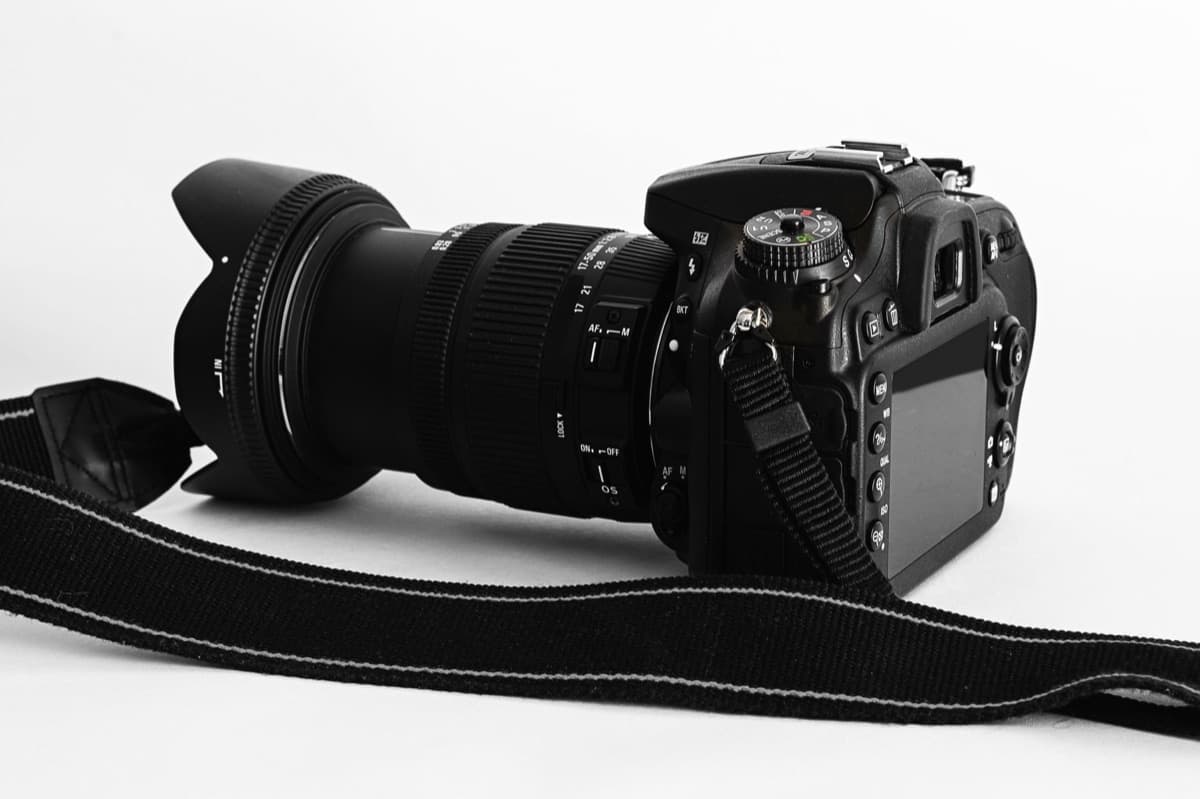
There is no universally smallest image format. JPEG usually wins for photographs, PNG for sharp UI art and transparency, and WebP offers lossy and lossless modes that can reduce transfer size. Compare the actual image at the dimensions users receive.
| Image | First choice | Reason |
|---|---|---|
| Product photograph | JPEG or lossy WebP | Smooth colour tolerates lossy compression |
| Logo with transparency | PNG or lossless WebP | Sharp edges and alpha matter |
| Screenshot with text | PNG or lossless WebP | JPEG artefacts make type look dirty |
| Animated asset | WebP or video | GIF is usually wasteful |
Resize before obsessing over format
Shipping a 4000px original into a 400px card dominates every codec decision. Generate responsive sizes, set explicit width and height, and let the browser choose an appropriate source.
<img src="card-800.webp" width="800" height="450" alt="Dashboard latency chart" />A 30 KB saving is not helpful if the image is so compressed that a user cannot read the screenshot or trust the product photo.
Test at 1× and high-density displays. For a photo, inspect faces and gradients; for a screenshot, inspect text and hairline rules. Keep the source asset separately from delivery derivatives so a future design can be regenerated rather than recompressed from a damaged JPEG.